
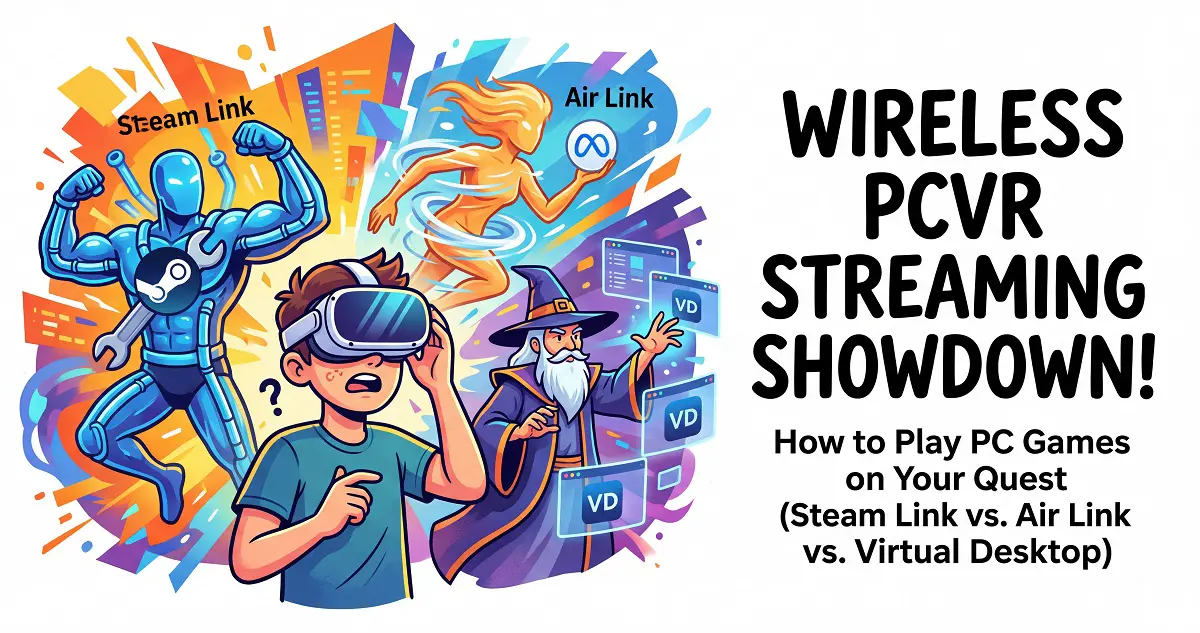
With the rapid evolution of virtual reality, standalone VR headsets have become the go-to for most gamers. While the official Meta Store offers a vast library, many high-fidelity PCVR titles still require a connection to your gaming rig. In this guide, we’ll break down the three leading streaming solutions—Steam Link, Air Link, and Virtual Desktop—to help you find the best setup for your needs.
1. Steam Link: The Quick and Easy Way to Play SteamVR

Pros:
- Dead Simple Setup: Developed by Valve, you simply download the app from the Meta Horizon Store, pair it with your PC, and you’re good to go.
- Completely Free: Unlike Virtual Desktop, Steam Link costs nothing, making it a great budget-friendly option.
- Non-VR Support: It also allows you to play standard 2D games from your Steam library on a massive virtual screen.
Cons:
- Steam Only: It’s limited to the Steam platform, so you can’t easily launch games from other launchers.
- Network Sensitive: Requires a rock-solid network connection to avoid latency or visual artifacts.
Best For:
- Gamers who live in the Steam ecosystem and want the fastest route to jump into VR.
2. Air Link: The Official Meta PCVR Solution.[Download from Meta]

Pros:
- Official Integration: Built by Meta, it offers the best compatibility with your headset and receives frequent updates.
- Platform Agnostic: Supports titles outside of Steam, giving you broader access to your PCVR library.
- Desktop Streaming: Handles remote desktop tasks and casting effectively, making it a versatile utility.
Cons:
- Setup Hurdles: The configuration process is a bit more involved, requiring the Meta Quest Link desktop software.
- Windows Exclusive: Only available for Windows; macOS users are currently left out.
Best For:
- Users who want a native-feeling experience across multiple PCVR platforms and don’t mind a bit of configuration.
3. Virtual Desktop: The Power User’s Gold Standard.[Official Website]

Pros:
- Deep Customization: Offers granular control over frame rates, bitrates, and resolution scaling to squeeze every bit of performance out of your rig.
- Multitasking: Excellent desktop emulation makes it a top choice for virtual office work or media consumption.
- Immersive Environments: Includes highly detailed virtual spaces that provide much better immersion than the standard Quest Home.
Cons:
- Paid App: Requires a one-time purchase, typically around $20 (look for sales!).
- Configuration: Requires installing the streamer app on both your PC and headset.
Best For:
- Enthusiasts who want the best possible image quality and customization options and are happy to pay for the premium experience.
Quick Comparison Table
| Feature | Steam Link | Air Link | Virtual Desktop |
|---|---|---|---|
| Ease of Use | Very Easy | Moderate | Moderate |
| Cost | Free | Free | Paid (~$20) |
| Platform | Steam Only | Multi-platform | Multi-platform |
| Network | High Demand | High Demand | High Demand |
| Extras | 2D Game Support | Remote Desktop | Pro Environments |
| Best For | Steam Players | Multi-store Players | Power Users |
Must-Play PCVR Titles
Regardless of your chosen streaming method, these titles are essential for any VR library:
- Half-Life: Alyx: The gold standard for VR, combining legendary level design with immersive storytelling.
- The Elder Scrolls V: Skyrim VR: With the right mod list, this classic RPG is an entirely new experience in virtual reality.
- No Man’s Sky: Explore an infinite, procedurally generated universe with true-to-life scale and freedom.
- Boneworks: A physics-driven sandbox that pushed the boundaries of what’s possible in VR interaction.