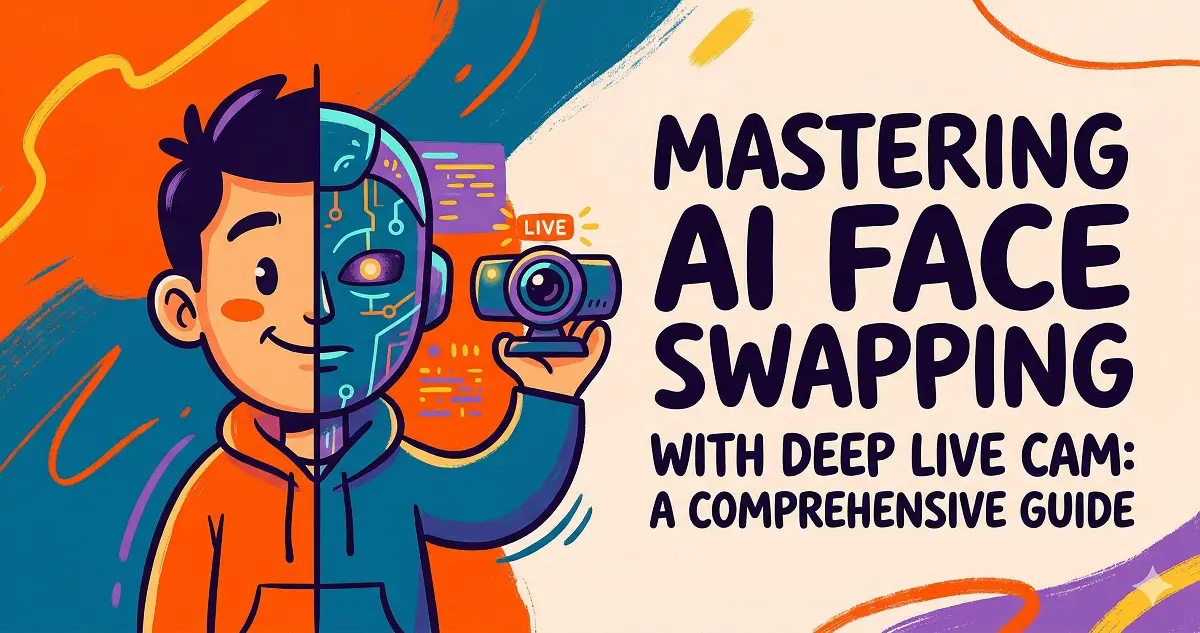
Have you ever fantasized about being the lead in a blockbuster movie or wanted to pull off a hilarious prank on your friends’ videos? Thanks to Deep Live Cam, the powerful AI face-swapping tool, your creative fantasies are now a reality.
Deep Live Cam leverages cutting-edge AI technology to perform real-time face replacement, making your video production and creative expressions more immersive and entertaining than ever before.
Deep Live Cam: Feature Overview
Think of it as a digital magic wand. With just a single reference photo, you can instantly place yourself into any video, preview the results in real-time, and achieve stunning quality. It’s simple, intuitive, and turns you into a video-editing wizard with just one click.
The Secret Sauce: Advanced AI Algorithms
At the heart of Deep Live Cam lies a robust AI algorithm capable of precision facial detection and mapping. Simply upload a source image, select your target, and hit start. The AI handles the rest, ensuring a smooth, seamless transition—it truly feels like magic.
Setting Up Deep Live Cam
To help you get started, we offer two installation methods:
Method A: Quick Start (Recommended for NVIDIA GPU Users)
- One-click installer: No complex configuration required! Just download and extract. Note: The first time you run it, the app will download necessary environment dependencies, so please be patient.
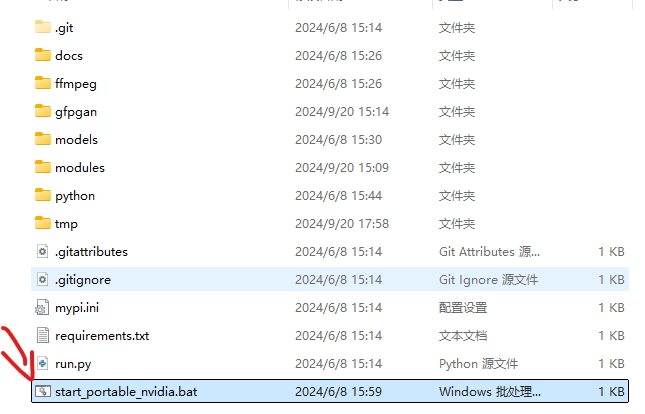
- Windows Version:
-
Mac Version:
Extraction Code: jbdr
- Note: The Mac version is optimized exclusively for Apple Silicon (M1/M2/M3) chips. After extracting, right-click ‘run.command’ and select ‘Open in Terminal’ to execute.
Method B: Advanced Manual Installation (For Power Users)
- Follow these steps:
- Prerequisites:
* Python (3.10 recommended)
* pip
* git
* ffmpeg
* Visual Studio 2022 Build Tools (Windows) - Clone the repository:
git clone https://github.com/hacksider/Deep-Live-Cam.git - Download Models:
- GFPGANv1.4
- inswapper_128_fp16.onnx (Note: If you have issues, download from GitHub here)
Place these files inside the “models” directory.
- Install Dependencies:
We highly recommend using a virtual environment (venv).
pip install -r requirements.txt
For macOS: Install or update python-tk:
brew install [email protected] - Execution:
If you lack a dedicated GPU, you can run Deep-Live-Cam usingpython run.py. Note that the initial run will download ~300MB of model data.
- Prerequisites:
Deep Live Cam: From Beginner to Pro
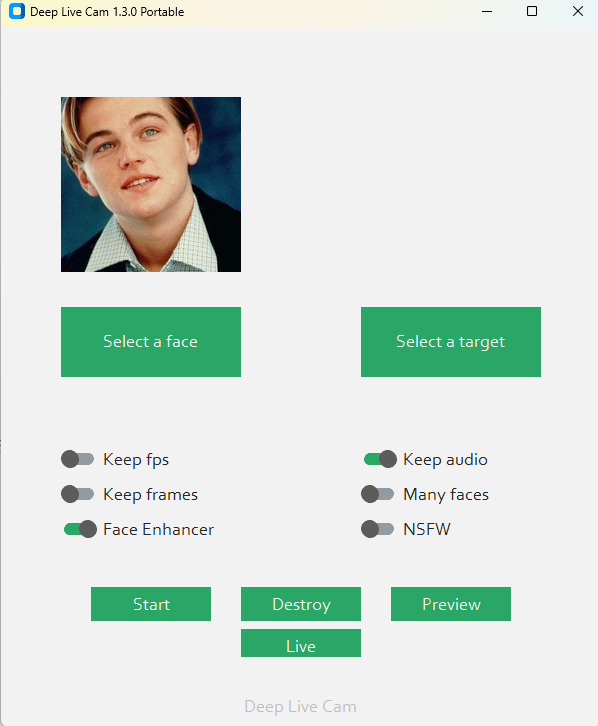
- The Basics:
- Upload your reference photo.
- Choose your target video file.
- Click start and watch the AI transformation happen.
- Advanced Tips:
- Adjust face-swap parameters for more realistic, natural results.
- Push your creative limits by layering effects in short videos.
- Use Deep Live Cam for diverse scenarios, from creative memes to unique social media content.
Deep Live Cam: Unleash Your Creativity
Deep Live Cam is more than just a face-swap utility; it’s a tool to unlock your creative potential. Whether you’re working on short films or just having fun with social content, this AI-powered ‘magic wand’ adds a professional touch to your projects.